
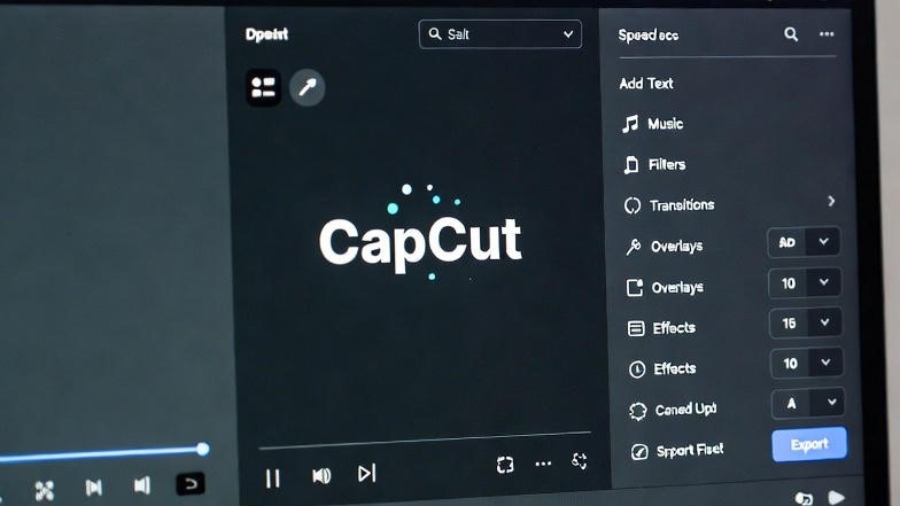
Videos have become a big part of our daily life. We watch videos to learn, for fun, and to share ideas. Many people want to create videos, but they feel scared of video editing. They think editing is difficult and takes a lot of time. This is where the CapCut Video Editing Tutorial for Beginners.
CapCut is a free video editing app that makes editing simple and enjoyable. You do not need special skills to start. With just a few taps, you can cut videos, add music, and create beautiful content. Even students can use CapCut without any problem.
In this article, you will learn how to use CapCut from beginner to advanced level. Each step is explained clearly and in easy language. This guide will help you build confidence and improve your video editing skills step by step. So in my this article you will be able to learn about CapCut Video Editing Tutorial for Beginners .
What Is CapCut?
CapCut is a popular video editing app. It is used by students, YouTubers, and social media creators. The app works on mobile phones and computers. CapCut is free and easy to use.
With CapCut, you can:
- Cut and trim videos
- Add text and music
- Use stickers and effects
- Make videos look professional
CapCut is perfect for beginners who want to learn editing.
Beginner CapCut Editing Skills
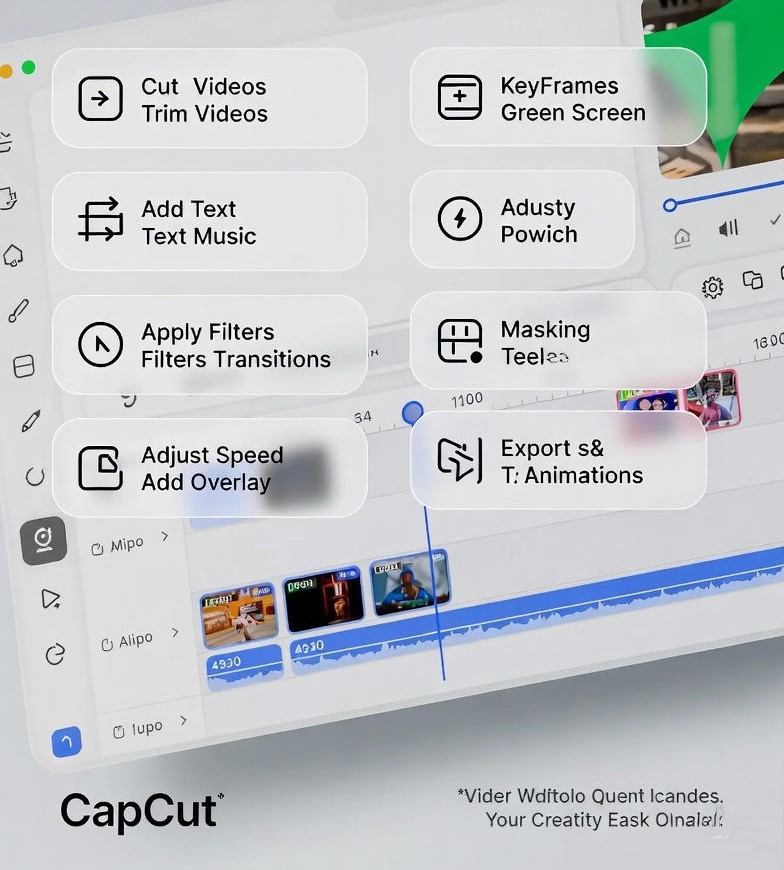
At the beginner level, CapCut focuses on basic tools. First, you create a new project and add your video clips. The editing screen is clean and easy to understand.
You can cut and trim videos to remove extra parts. This makes the video short and clear. Adding text is also simple. You can write titles or captions to explain your video. Background music and sound effects make the video more interesting and lively.
Cutting, Trimming, and Text
Cutting removes unwanted parts of a video. Trimming helps adjust the video length. Text is used for titles, names, and short messages. These tools help beginners understand basic editing.
Adding Music and Filters
Music adds emotion to a video. Filters change the color and style of a clip. Together, they help make videos more enjoyable and attractive.
Intermediate CapCut Features
After learning basic tools, you can move to intermediate features. These tools help improve video quality and creativity. One useful feature is video speed control. You can slow down or speed up a clip based on your needs.
Transitions are also important. They help connect two clips smoothly. Overlays allow you to add one video or image on top of another video. These features help videos look more professional.
Transitions and Speed Control
Transitions make videos smooth and clean. Speed control helps create slow motion or fast scenes. Both tools improve video flow.
Overlays and Keyframes
Overlays are used for tutorials and reaction videos. Keyframes help move text or objects on the screen. They add motion and style to videos.
Advanced CapCut Editing Skills
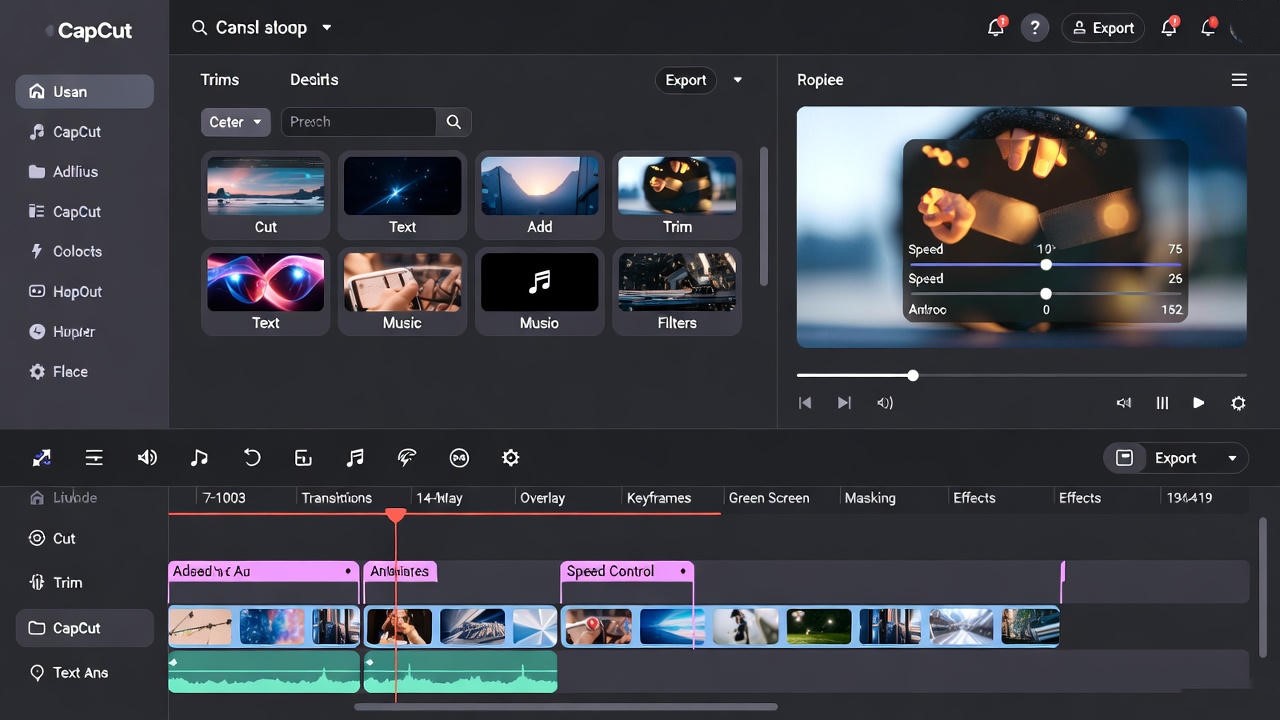
Advanced CapCut tools are used for creative and professional videos. One popular feature is the green screen tool. It removes the background from a video and replaces it with another image or video.
Masking is another advanced feature. It hides or shows parts of a video using shapes. Text animations and video effects also add beauty and creativity. These tools help make videos more engaging.
Green Screen and Masking
Green screen removes backgrounds easily. Masking creates special visual effects. Both tools are useful for advanced editing.
Effects and Text Animation
Effects add style to videos. Text animation makes words move and look attractive. Use these tools carefully for best results.
Exporting Videos and Final Tips
After editing, you need to export your video. CapCut allows you to choose video quality before saving. You can also share your video directly on social media platforms.
To improve your CapCut skills, practice regularly. Keep your videos simple and clear. Use music and effects wisely. Watching tutorials can also help you learn faster.
Conclusion
CapCut is an easy and powerful video editing app. It is perfect for beginners and useful for advanced users. With basic tools, intermediate features, and advanced skills, anyone can create quality videos. This CapCut video editing tutorial shows that video editing is simple when you use the right tools and practice regularly.
Add a Comment